
Experiment: How to Connect an Existing Stripe Account
If you already have a Stripe account, you may be eligible to connect it directly with Stan! Check out the information below to see how it works👇
Heads up!
🧪 At the moment, connecting an existing Stripe account is in experiment mode! This experiment is only available to a percentage of new Creators going through the Onboarding Checklist on a mobile web browser who signed up after May 1st, 2025.
🚨 If you connect an existing Stripe account, your Income tab on Stan may not display accurate earnings. To view your income and initiate payouts, head to Stripe.com or use the Stripe Mobile App. You can reach out to Stripe Support for assistance.
💡Only the countries currently available for Stan Stripe Connect are available on Stripe Standard. View the list here.
Connecting Stripe
- From the "Connect your bank account via Stripe" section of the Onboarding checklist, you'll click Connect Account.

- Select your existing Stripe account and click Connect.
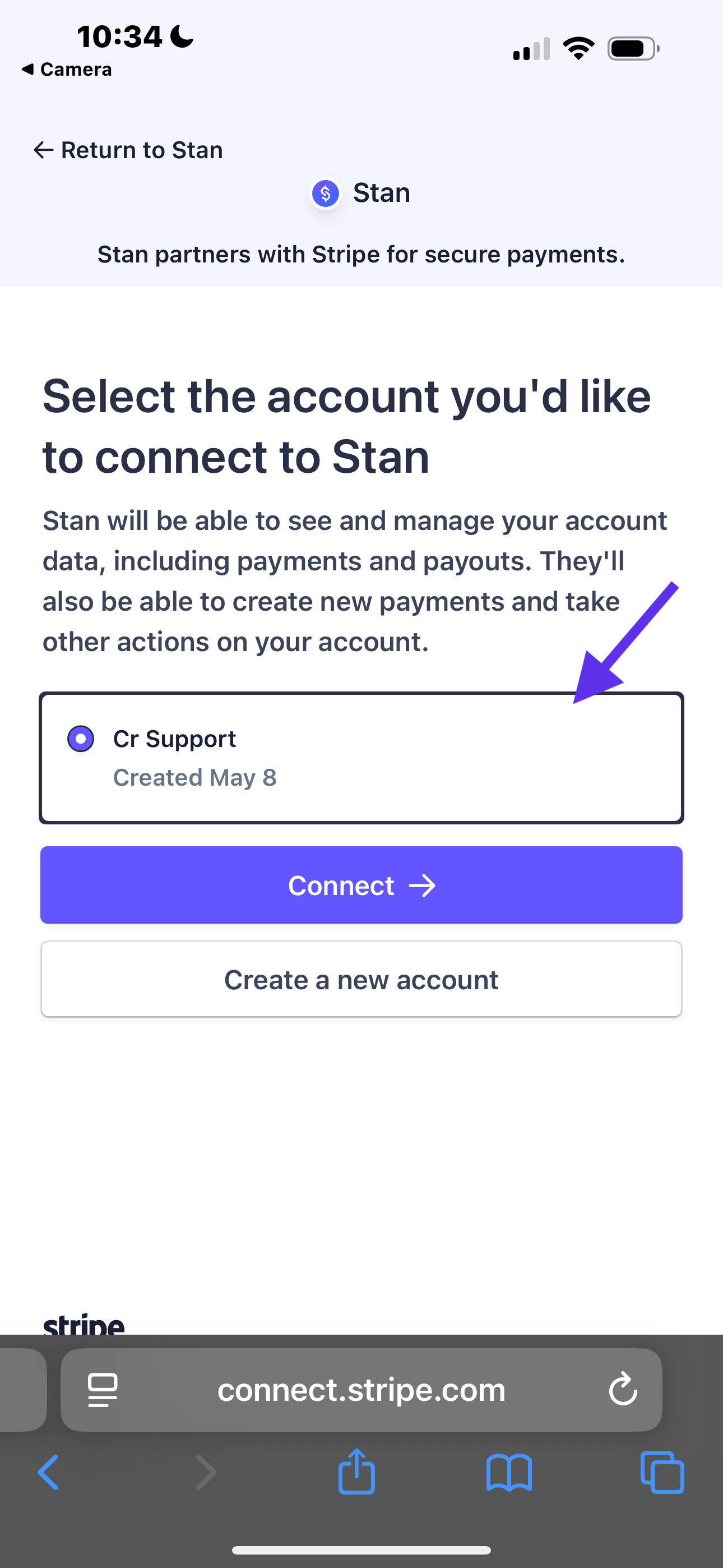
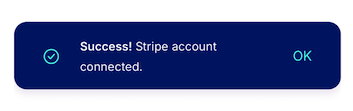
- And that's it!
- To manage your Stripe account, head to Stripe.com or use the Stripe Mobile App. From there, you can update your information, view your income, and initiate payouts.
📣 Stan cannot access your existing Stripe account. If you have any trouble, you can reach out to Stripe Support for assistance!